
1 / 4 · Preview
Every RAW, instantly.
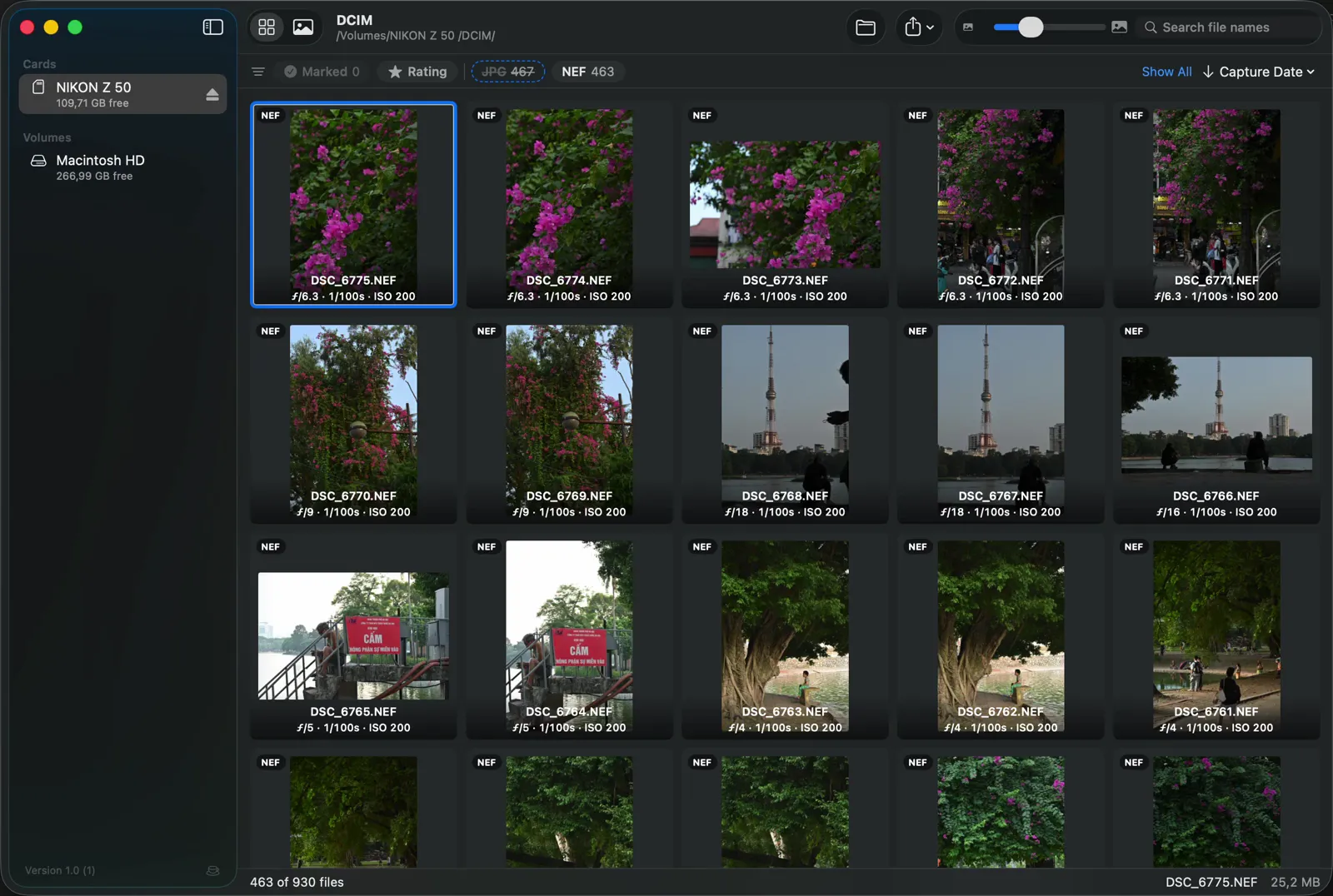
Insert the card and RawPreview opens on its own. The grid fills straight from the SD card, EXIF under every thumbnail. Nothing is imported, nothing is copied yet.
463 RAW · 467 JPEGRead straight off the card
Free for macOS
No card adapter for your phone? Insert the card into your Mac, mark the keepers, apply a preset and AirDrop them as JPEGs. No catalog, no import, no export.
Free · macOS 14 Sonoma or later · How to open it the first time
Why it exists
RawPreview started as a fix for one chore. With no card adapter for the phone, getting a few shots onto it meant opening a full photo editor first.
Nothing to import, nothing left behind on your Mac.
How it works
1 / 4 · Preview
Insert the card and RawPreview opens on its own. The grid fills straight from the SD card, EXIF under every thumbnail. Nothing is imported, nothing is copied yet.
463 RAW · 467 JPEGRead straight off the card
2 / 4 · Cull
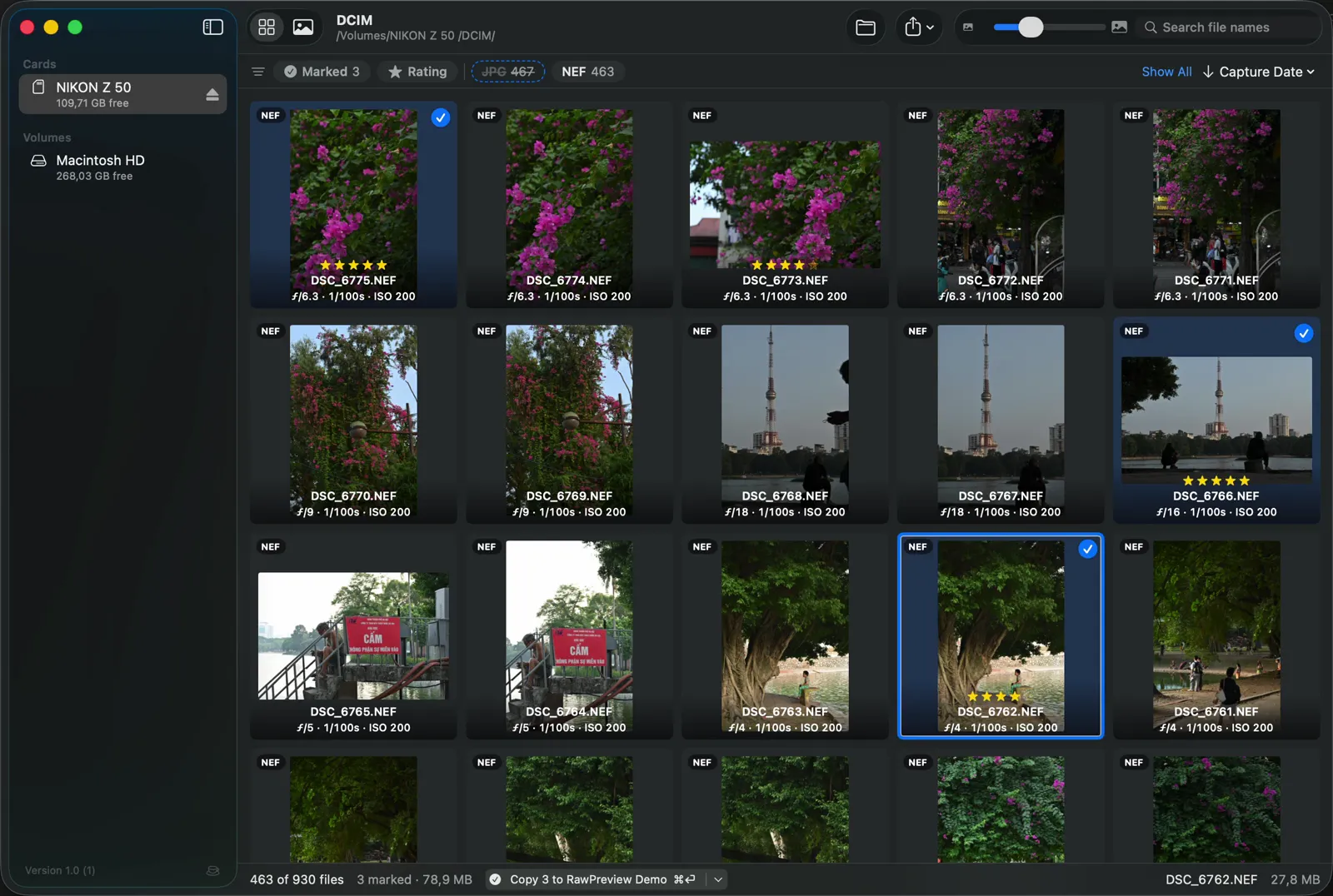
Rate with 1–5 and press S to mark a photo for copy. Stars go into .xmp sidecars, which Lightroom Classic and Capture One read.
1–5SRate · Mark for Copy
3 / 4 · Share
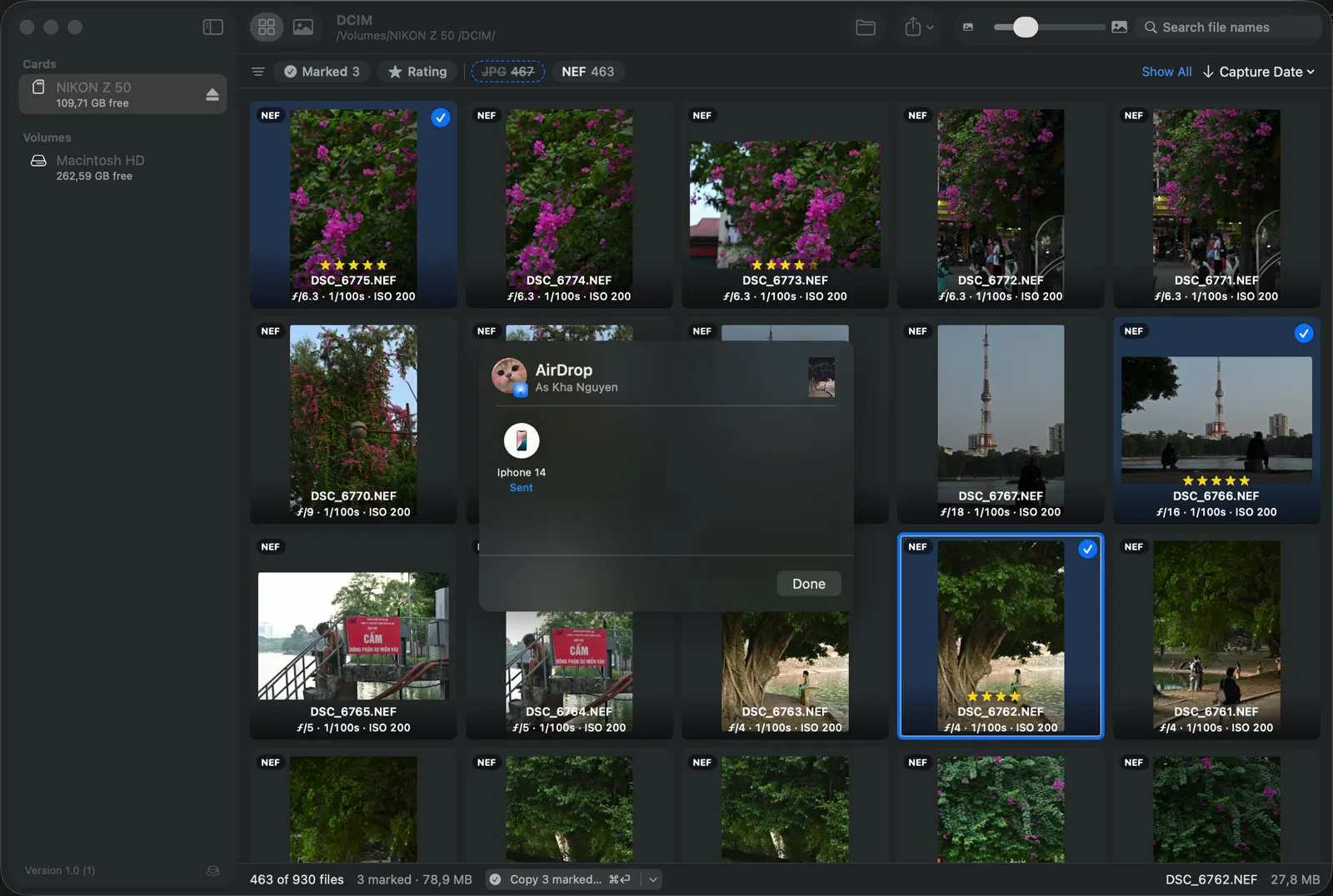
AirDrop the keepers as JPEGs with the preset baked in and GPS removed. Ready to post before you get home.
AirDrop · 3 JPEGsTokyo Neon Night baked in, GPS removed
4 / 4 · Copy
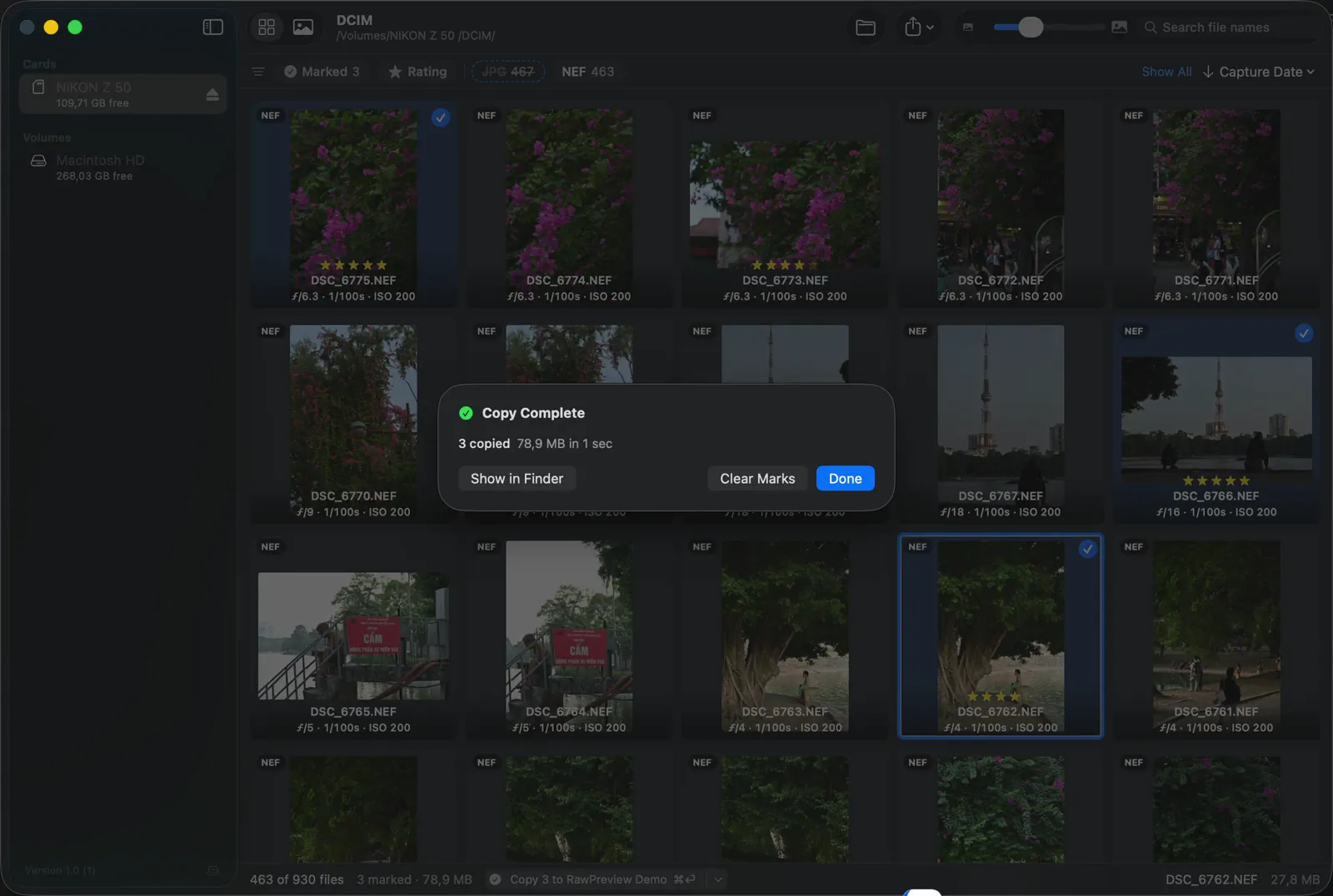
One shortcut copies the marked files to your Mac. Then eject the card from the sidebar.
⌘↩Copy Marked Files
3 copied · 78.9 MB in 1 sec
Presets
Film stocks, cinematic grades, black & white, seasonal and social looks: 13 categories built in. Hover a preset to preview it on the photo, click to apply it, press \ to compare with the original.
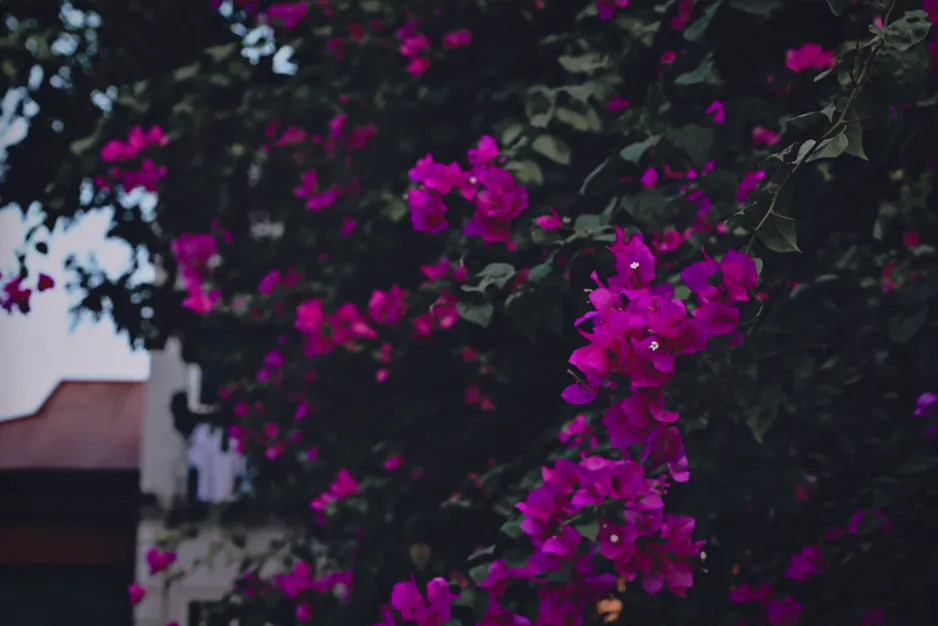
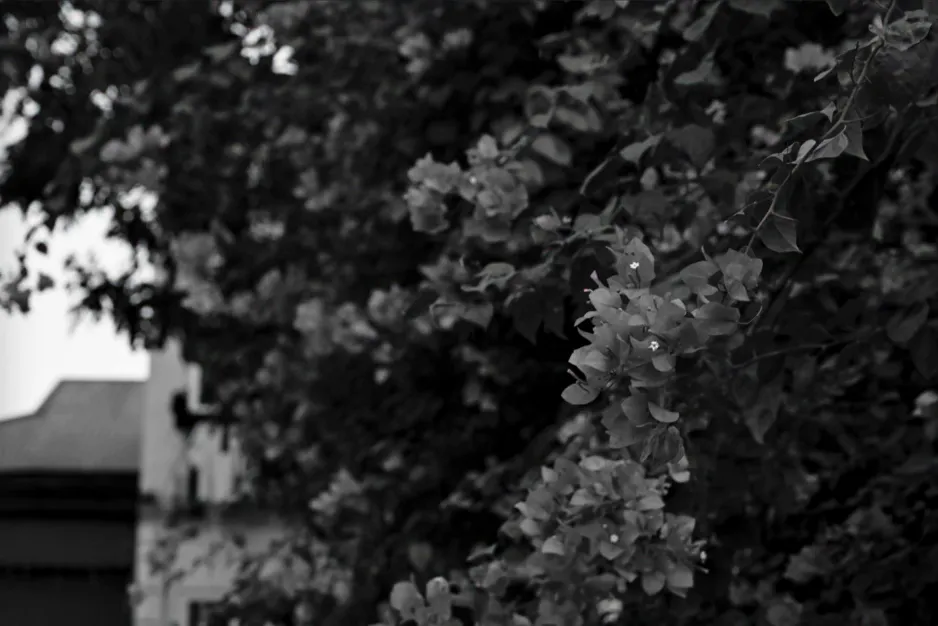
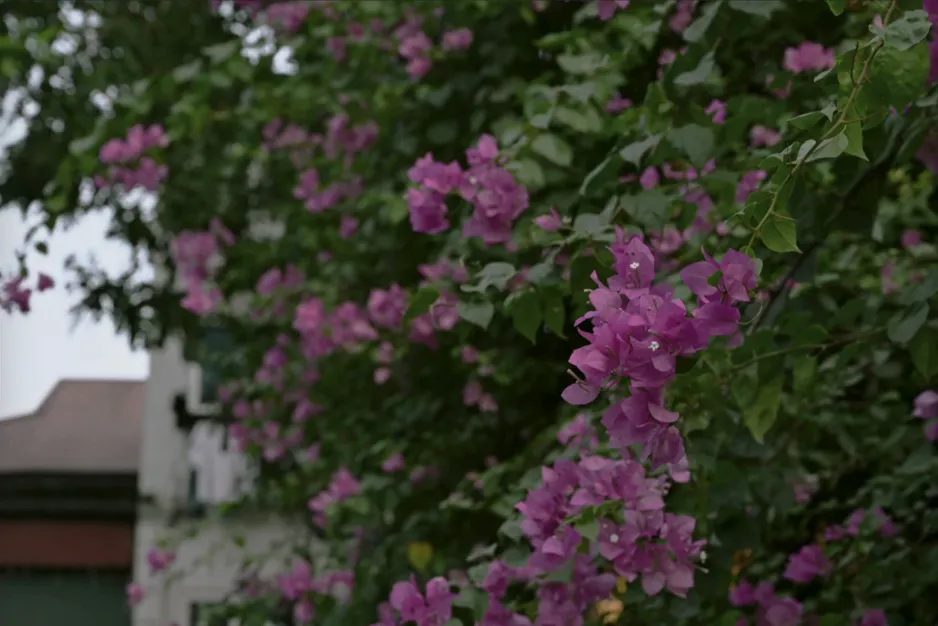
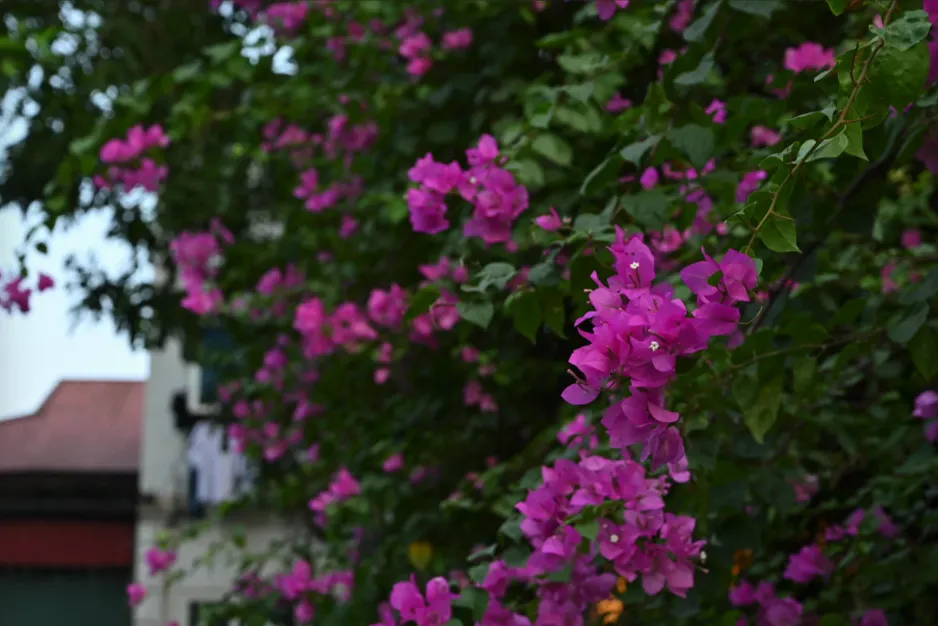
Import Lightroom develop presets, or whole folders of them. They show up under Imported, above the built-in ones.
.xmp.lrtemplate
Want more? Download Essential Lightroom Presets by Jason Stanley, 12 free everyday presets, then import them.
Presets are approximate. RawPreview reads a preset’s develop settings and renders them with its own engine, not Adobe’s, so the result comes close to Lightroom but won’t match it pixel for pixel. Enough to set the mood for a share; finish in your editor when the photo matters.
The built-in presets come from Emulsion Presets by peva3, shared under the MIT License. Thank you.
Formats
19 RAW formats, plus JPEG, HEIF and video side by side on the same grid.
AlsoJPEGHEIFVideo
FAQ
Use them for the edits that matter. To get today’s shots onto your phone, they need a catalog, an import and an export first. RawPreview skips all three.
Close, not exact. RawPreview applies the preset’s develop settings with its own rendering, so colours and contrast can differ a little from Adobe’s. Treat presets as a quick mood for sharing, not a final grade.
No. Whether it is a card or a folder picked with Open Folder…, RawPreview reads the files where they are. Nothing is copied until you choose Copy Marked Files.
Yes. Stars are saved in .xmp sidecars next to each RAW, which Lightroom Classic and Capture One read.
Yes. Import Lightroom develop presets (.lrtemplate or .xmp), or whole folders of them, and they sit beside the 451 built-in presets. Free packs such as Essential Lightroom Presets by Jason Stanley work too.
Only if you turn on Delete on memory cards in Settings, and it asks before deleting anything.
A Mac with macOS 14 Sonoma or later. RawPreview is free.
RawPreview isn’t notarized by Apple yet, so macOS can’t vouch for it and blocks the first launch. Allow it once in System Settings → Privacy & Security; the steps are under First launch. There’s no need to turn Gatekeeper off.

Free · macOS 14 Sonoma or later · How to open it the first time
First launch
RawPreview isn’t notarized by Apple yet, so the first time you open it macOS warns that it can’t verify the app. Allow it once, for RawPreview only; Gatekeeper stays on for everything else.
Prefer Terminal? This clears the downloaded-from-the-internet flag on RawPreview only:
xattr -dr com.apple.quarantine /Applications/RawPreview.app